iOS 26.3 Beta Introduces Official iPhone to Android Data Transfer Tool
Apple releases iOS 26.3 beta with a built-in iPhone to Android data transfer tool, notification forwarding for wearables, and Weather wallpaper updates.
Apple has officially released the first developer beta of iOS 26.3, only a few days after rolling out iOS 26.2 to the public. While the update may seem minor at first glance, it introduces two important changes that could have a significant impact on users—especially those planning to switch devices.
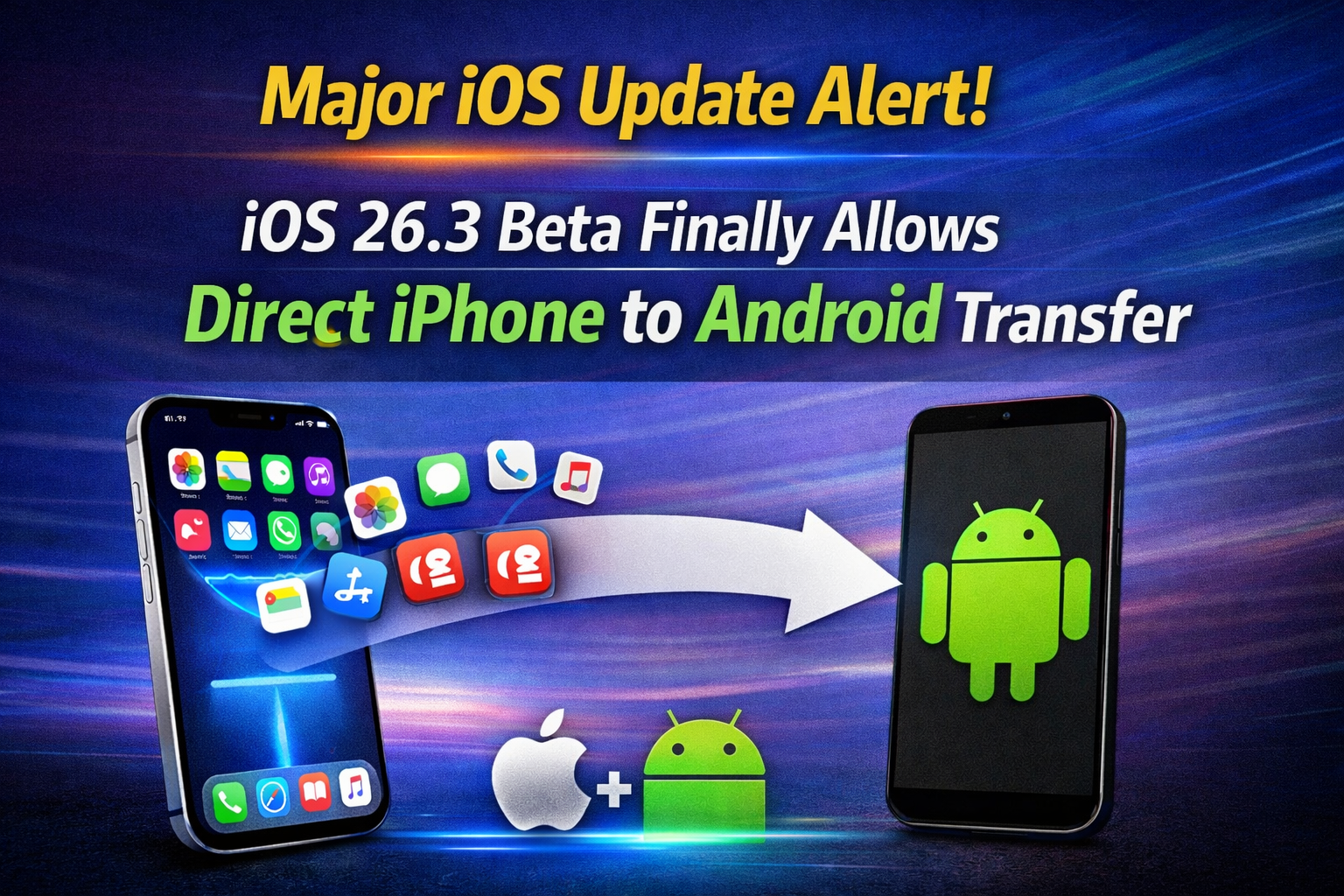
The standout feature in iOS 26.3 beta is a native iPhone to Android Data Transfer tool that allows users to move content from an iPhone directly to an Android device. Alongside this, Apple has also expanded notification support for third-party wearables and refined the Weather wallpaper experience.
Built-In iPhone to Android Data Transfer
For the first time, Apple is offering a built-in solution to transfer data from iOS to Android without relying on third-party apps. Previously, users had to download external tools or depend on manufacturer-specific solutions. With Apple iOS 26.3 features, the process is now handled directly within the operating system.
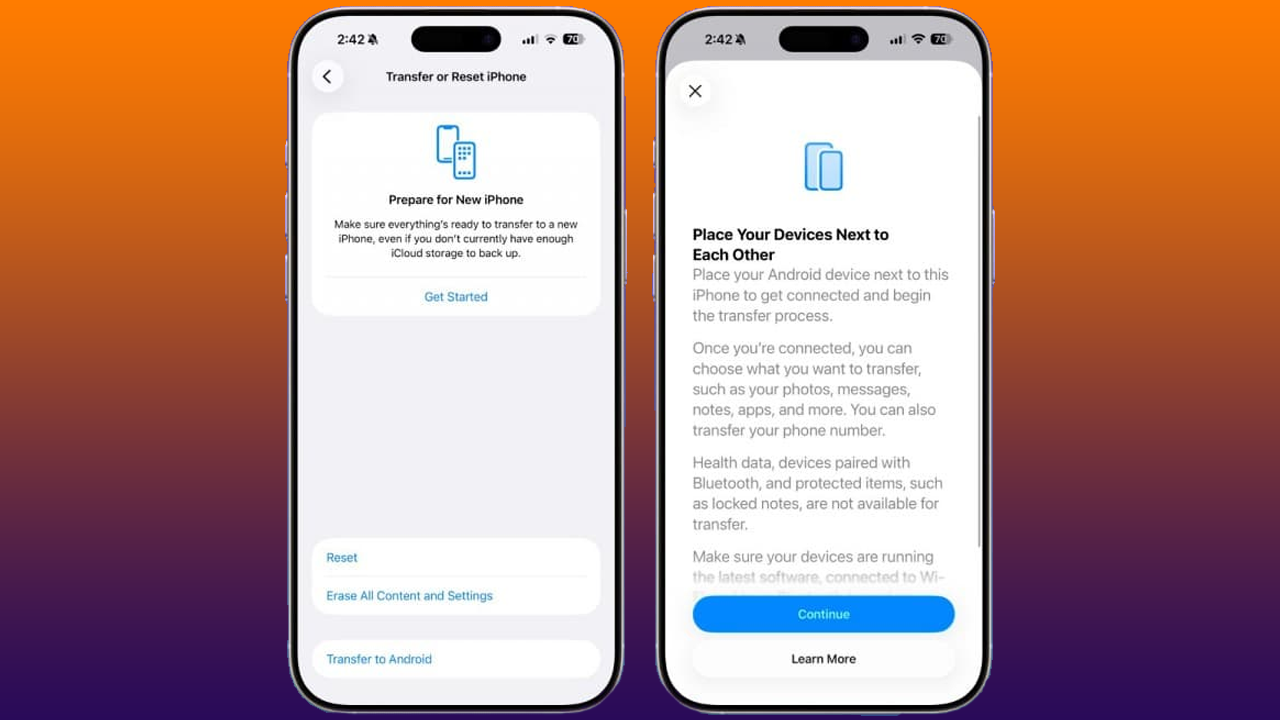
The new transfer tool allows users to move essential data, such as:
- Installed apps
- Photos and videos
- Contacts
- Messages
- Other personal data
To start the transfer, both the iPhone and the Android device must be connected to the same Wi-Fi network. Since the feature is integrated into iOS itself, there’s no need to install additional applications, making the switch faster and more user-friendly.
This update marks a major shift in Apple’s approach and removes one of the biggest hurdles for users considering a move from iPhone to Android.
Alo Read: Your Next iPhone Will Rely More on Samsung Memory as RAM Prices Surge
Apple notification forwarding for Third-Party Wearables
Another notable addition in iOS 26.3 beta is Notification Forwarding, a feature designed to allow third-party wearable devices to receive notifications from an iPhone. However, this feature is currently available only in the European Union.
Users can enable Notification Forwarding by going to:
Settings → Notifications → Notification Forwarding
Once activated, users can select which apps are allowed to send notifications to their connected wearable device.
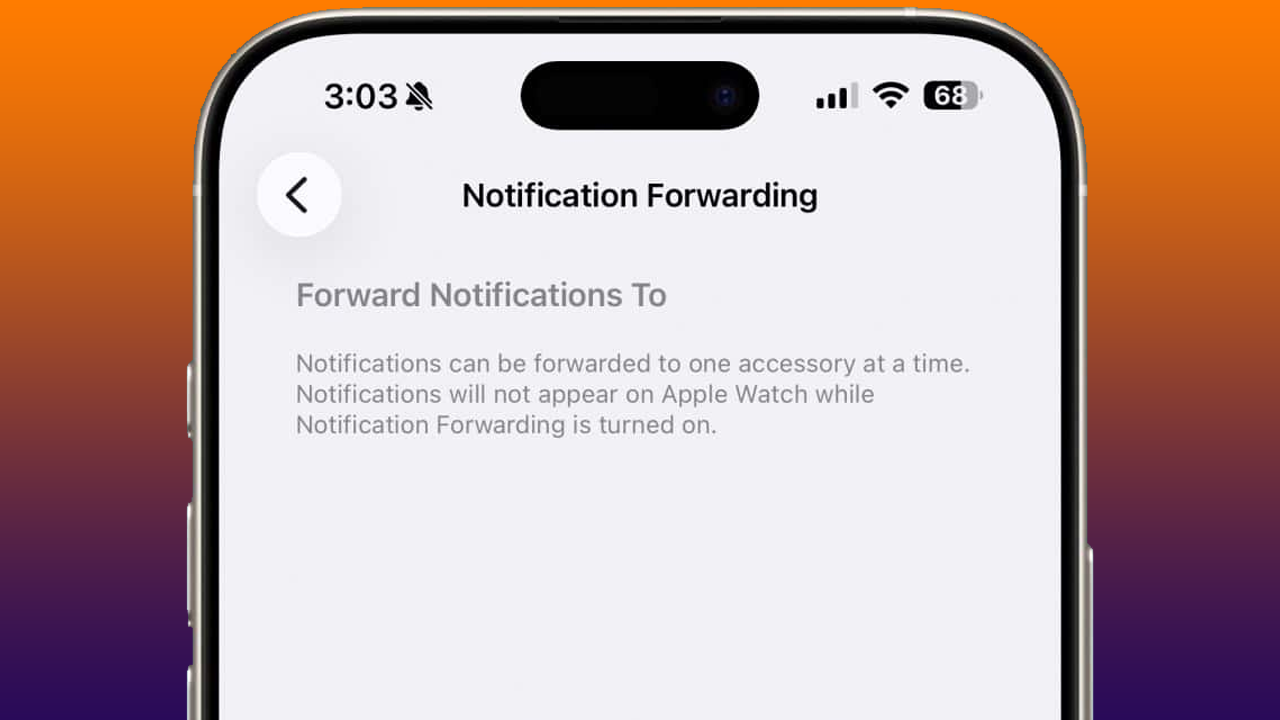
There are a few limitations to keep in mind:
- Only one wearable device can receive forwarded notifications at a time
- If an Apple Watch is already paired with the iPhone, notification forwarding to non-Apple wearables will be disabled
Apple introduced this functionality to comply with the European Union’s Digital Markets Act (DMA), which requires major platforms to open access to core system features for third-party hardware and software providers.
Weather Wallpaper Gets a Small but Useful Update
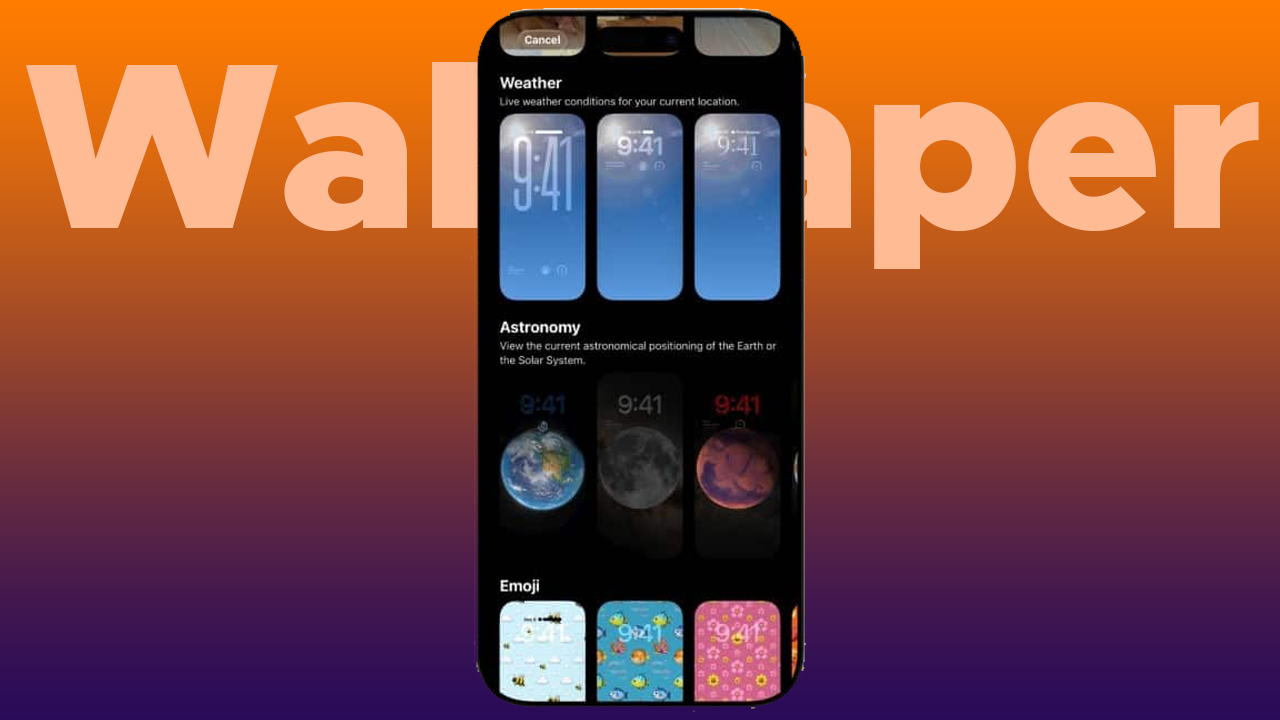
iOS 26.3 beta also brings a subtle improvement to the Weather wallpaper feature. Apple has moved the Weather wallpaper into its own dedicated section within the Lock Screen customization menu.
This change makes it easier for users to locate, apply, and manage the Weather wallpaper without digging through multiple menus, improving overall usability.
Final Thoughts
Although iOS 26.3 is still in beta, the update introduces meaningful improvements that reflect Apple’s evolving ecosystem strategy. The official iOS to Android transfer tool is a major step forward, while notification forwarding and interface refinements show Apple adapting to new regulatory requirements.
As testing continues, more changes may appear before the final public release of iOS 26.3.